
Razer Huntsman V3 tops PC gaming keyboards: why gamers are switching
Capcom fuels Switch 2 buzz as Nintendo steps back
Rising memory costs and constrained component supply have reshaped the economics of PC gaming in 2026. Whether you want the simplest route in, the fastest daily-driver, or the most future-proof rig, understanding the trade-offs now will save money and frustration down the road.
Handhelds: the low-friction entry point
PlayStation all-digital: 5 Steam-inspired moves to win skeptical gamers
Splatoon Raiders review: colorful co-op raids deliver fast-paced loot action
Portable gaming consoles that run PC titles remain one of the easiest ways to start without wrestling with full desktop builds. These devices run Steam and other PC libraries on compact hardware, and many can dock to a larger display when you want a TV or monitor experience.
Pros include immediate portability, minimal setup, and a single purchase that covers PC compatibility for many games. On the downside, you should expect a performance cap: modern handhelds generally target 720p–1080p at modest settings, and demanding titles will reduce battery life to a couple of hours. Storage can also fill quickly on mid-capacity models.
Despite higher asking prices compared with a year or two ago, some handhelds still sit below $1,000, making them a sensible choice if you value convenience and mobility over absolute frame rates or maximum visual fidelity.
Pre-built desktops: convenience at a competitive price
Buying a ready-made gaming PC removes assembly work and consolidates warranty coverage with a single vendor. In the current market, manufacturers’ bulk purchasing can make these systems cost-competitive—sometimes cheaper—than sourcing every part yourself.
Look for systems that prioritize a capable GPU and ample memory; many good 1080p machines now come with mid-range GPUs and 32GB of RAM for roughly $1,000–$1,200. That combination tends to deliver the best real-world value for new buyers who want play-ready performance without the learning curve of building.
Trade-offs here are mostly about long-term flexibility. Pre-builts can include proprietary parts, limited case space, or lower-tier power supplies and coolers that complicate upgrades later. Read recent, model-specific reviews to confirm thermals, noise levels, and the vendor’s support record before you buy.
Custom builds: highest control, more effort
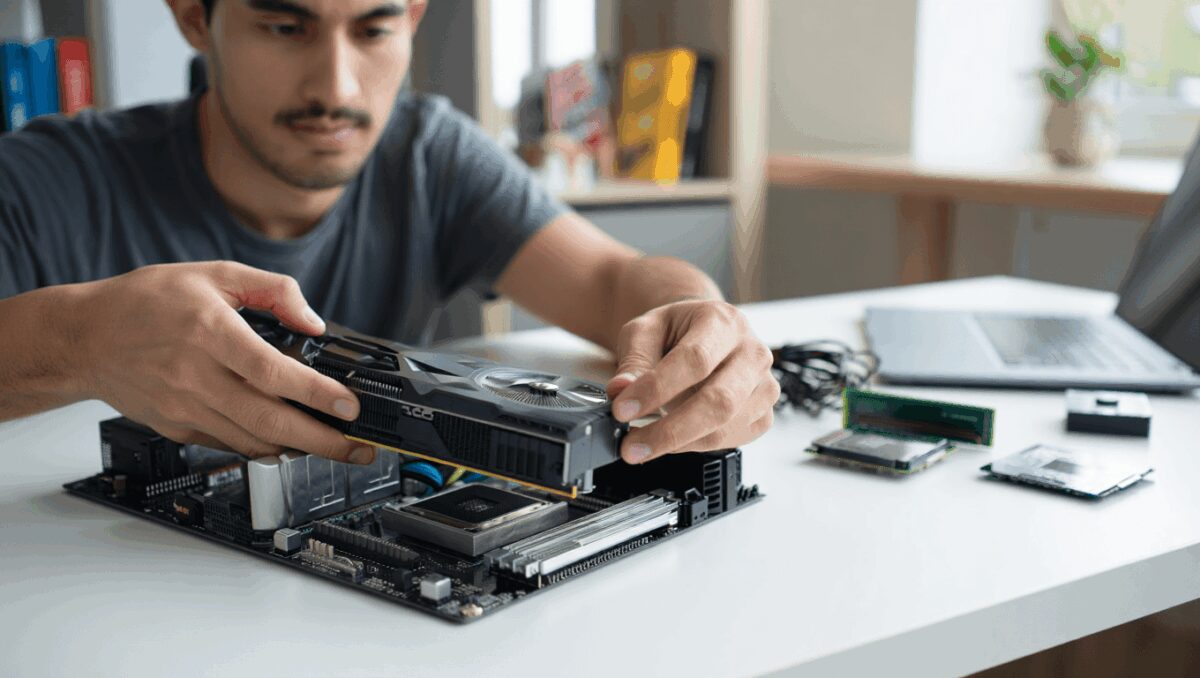
Assembling your own PC remains the best path for people who want full control over components and upgrade potential. When you build, you choose exact parts, cooling solutions, and a layout that fits your priorities—quiet operation, airflow, or a compact footprint.
That said, the current memory shortage has narrowed the typical cost advantage of DIY. Key components like 32GB DDR5 kits can be expensive, and GPUs and SSDs continue to command premium prices. Building requires more research, compatibility checks, and the patience to troubleshoot if something fails out of the box.
For long-term value, however, the ability to replace or upgrade individual parts keeps custom builds attractive. If you already enjoy tinkering or plan to upgrade incrementally, the extra effort usually pays off over several years.
| Path | Typical cost (2026) | Setup complexity | Upgradeability | Best for |
|---|---|---|---|---|
| Handhelds | $400–$1,000+ | Very low | Limited (storage/OS tweaks) | Portability, casual players, small spaces |
| Pre-built desktops | $1,000–$1,500 | Low (plug-and-play) | Moderate (may face proprietary constraints) | Buyers who want a ready system and warranty |
| Custom-built | $1,000–$2,000+ (varies) | High (research and assembly) | High (component-level upgrades) | Enthusiasts, long-term upgraders, performance-focused gamers |
Whatever route you choose, a few practical pointers sharpen the decision-making process.
- Prioritize GPU and memory capacity: for many games, a stronger GPU and at least 32GB of RAM deliver better gameplay and future resilience than chasing the latest CPU.
- Factor in peripherals: a monitor, keyboard, and mouse can add several hundred dollars if you don’t already own them—count these into total cost.
- Watch for last-generation parts: discounts on recent, not-newest, CPUs or motherboards can stretch a budget without large performance penalties.
- Read model-specific reviews: thermals, noise, and ease of service vary widely across models and vendors.
- Be prepared to act: attractive configurations or discounts often sell quickly in the current market.
How to decide
If you want the least friction and quick access to a broad PC library, a handheld or a pre-built is the fastest route. Choose a handheld if mobility and space are your primary constraints; choose a pre-built if you want a full desktop experience without learning how to assemble components.
If you’re focused on long-term ownership, tailored performance, or the satisfaction of selecting every part yourself, building remains the best option despite higher short-term costs. The DIY approach gives the most flexibility to upgrade components over time rather than replace entire systems.
Memory-price volatility and component shortages have raised entry prices across the board, but understanding the trade-offs lets you pick the right path for your budget and lifestyle—and still get a gaming setup that will last.

Annabelle Ink is a gaming journalist and lifelong gamer who lives and breathes video game culture. From console releases to esports tournaments, this dedicated journalist brings insider knowledge and genuine enthusiasm to every review and feature. Her expertise spans multiple gaming platforms, helping readers discover their next favorite game while staying connected to the pulse of the gaming industry.