
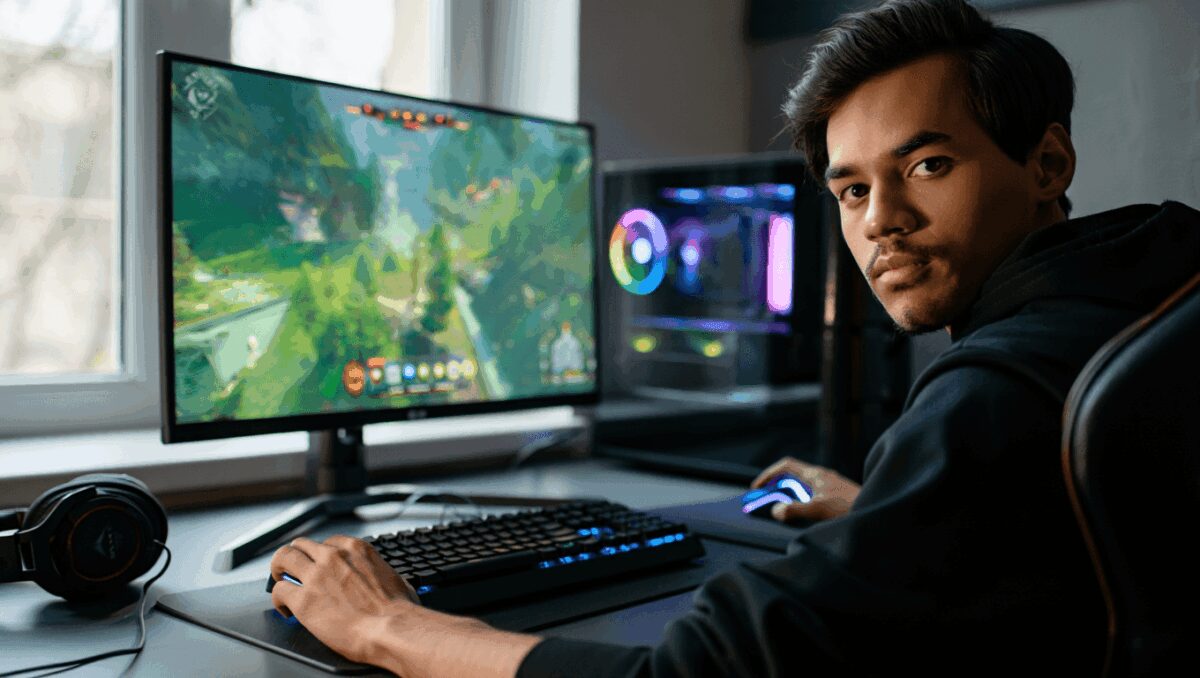
Artificial intelligence is no longer a novelty feature in PC gaming — it’s reshaping how games look and run. At the forefront is Nvidia’s DLSS, a suite of neural rendering techniques that can dramatically boost frame rates and image quality, and its upcoming DLSS 5 release has sparked fresh debate about how far AI should go in altering in-game visuals.
Free Switch 2 update supercharges Switch 1 handheld games: 12 tested must-plays
Crimson Desert on PS5 Pro delivers stunning visuals but mixed performance
Nvidia introduced the first DLSS system in 2018 and has iterated it into a multi-part toolkit that both lowers the load on graphics hardware and fills visual gaps with AI-generated content. For players and developers, that creates new possibilities — and new trade-offs — in performance, latency and fidelity.
What DLSS actually does
At its core, DLSS combines two distinct approaches. The first, commonly called super resolution, renders scenes at a reduced internal resolution and uses a neural network to upscale frames toward native output. The second, frame generation, invents intermediate frames to smooth motion and raise perceived frame rates without forcing the GPU to render every frame from scratch.
Nintendo Switch 2 gets major speed boost for original games: enable handheld mode
Parseword: proven strategies to climb the leaderboard fast
These systems rely on specialized matrix-acceleration hardware (Nvidia’s Tensor Cores) and models trained on vast amounts of gameplay. Over successive versions Nvidia has added features such as adaptive frame insertion that respects display refresh limits, and ray reconstruction, where AI helps approximate path-traced lighting more cheaply than brute-force calculation. Another complementary technology, Nvidia Reflex, is used to limit input lag when frame generation is in play.
How to set DLSS for best results
Turning DLSS on isn’t a one-click solution — settings matter. The neural upscaler performs best when it has enough original pixels to analyze, so selecting the right mode depends on your target resolution and whether you value visuals or responsiveness.
Below is a quick reference for the common DLSS scaling modes and typical use cases:
| Mode | Typical internal render | When to use |
|---|---|---|
| Quality | ~65–70% | Best for 1080p/1440p where image detail is important |
| Balanced | ~58% | Good compromise for mixed visual fidelity and FPS needs |
| Performance | ~50% | Useful at 4K to gain large FPS boosts with modest quality loss |
| Ultra Performance | ~33% | For extreme framerate targets where native rendering is impractical |
In addition to these presets, Nvidia exposes multiple neural models in its driver app (commonly labelled K, M and L). Those correspond to variants tuned for quality, performance and ultra-performance scenarios respectively; picking the right model and DLSS mode for your resolution usually yields the best balance of sharpness and speed.
Practical tips for frame generation and latency
Frame generation can make motion look much smoother, but it does not change the underlying rate at which the game processes input. That distinction matters: if your base render rate is low, inserting AI frames improves apparent smoothness while keeping input timing tied to the slower underlying frames — a mismatch that can be noticeable in twitch-sensitive play.
- Slower, single-player games: Aim for a stable base of around 40 FPS before enabling frame gen. This preserves responsiveness while letting you push graphical settings.
- Action and racing titles: Target at least 60 FPS as your starting point; it reduces frame gaps and keeps the feel tight when AI frames are added.
- Competitive multiplayer: Either avoid frame generation or start from 120 FPS. Sub‑10 ms frame gaps are important in high-stakes environments, and some players prefer no frame synthesis at all.
As a rule: achieve a reliable base framerate with native rendering first, then layer in DLSS frame generation if you want more visual smoothness without sacrificing too much input fidelity.
Why DLSS 5 is stirring concern
Nvidia’s next major update, branded DLSS 5 and scheduled for release this fall, pushes beyond predictive upscaling and frame interpolation into territory that blends generative AI with real-time rendering. Company executives have framed it as a transformative step, but early developer demos and tests have prompted debate.
The key difference is intent. Previous DLSS versions focused on reproducing the scene more efficiently; DLSS 5 appears designed to enhance or “improve” visuals by synthesizing new detail — adding strands of hair, modifying facial features or deepening material responses in ways that weren’t present in the original asset set. That raises two practical questions for studios and players: who controls the final look, and how will these changes affect artistic intent?
Developers will be able to tune or disable the most aggressive options, and Nvidia describes current footage as early builds likely pushed to extreme settings for demonstration. Still, the broader implications are significant: tools that can alter character appearance or lighting in real time change how pipelines are architected and how quality assurance is performed.
What this means for gamers and creators
AI-driven rendering is becoming necessary because hardware scaling alone is running into diminishing returns. Neural methods allow smoother frame rates and richer-looking scenes without proportionally larger GPUs. For players, that means smoother experiences on mid-range machines. For artists and studios, it introduces new responsibilities to manage how AI modifies creative work.
Expect an iterative transition. Every DLSS update so far has sparked debate when it first arrived, and most have eventually settled into common use after developers implemented sensible defaults and sliders. DLSS 5 may be more polarizing because it can alter content in more fundamental ways, but it is also highly configurable — the final balance will depend on developer choices and player preferences.
In short, DLSS and its successors are reshaping both the capabilities and the questions around real-time graphics. For now, the best approach for PC players is to learn the modes, start from a solid base framerate, and treat the more aggressive generative features as options to be used with care.

Annabelle Ink is a gaming journalist and lifelong gamer who lives and breathes video game culture. From console releases to esports tournaments, this dedicated journalist brings insider knowledge and genuine enthusiasm to every review and feature. Her expertise spans multiple gaming platforms, helping readers discover their next favorite game while staying connected to the pulse of the gaming industry.