
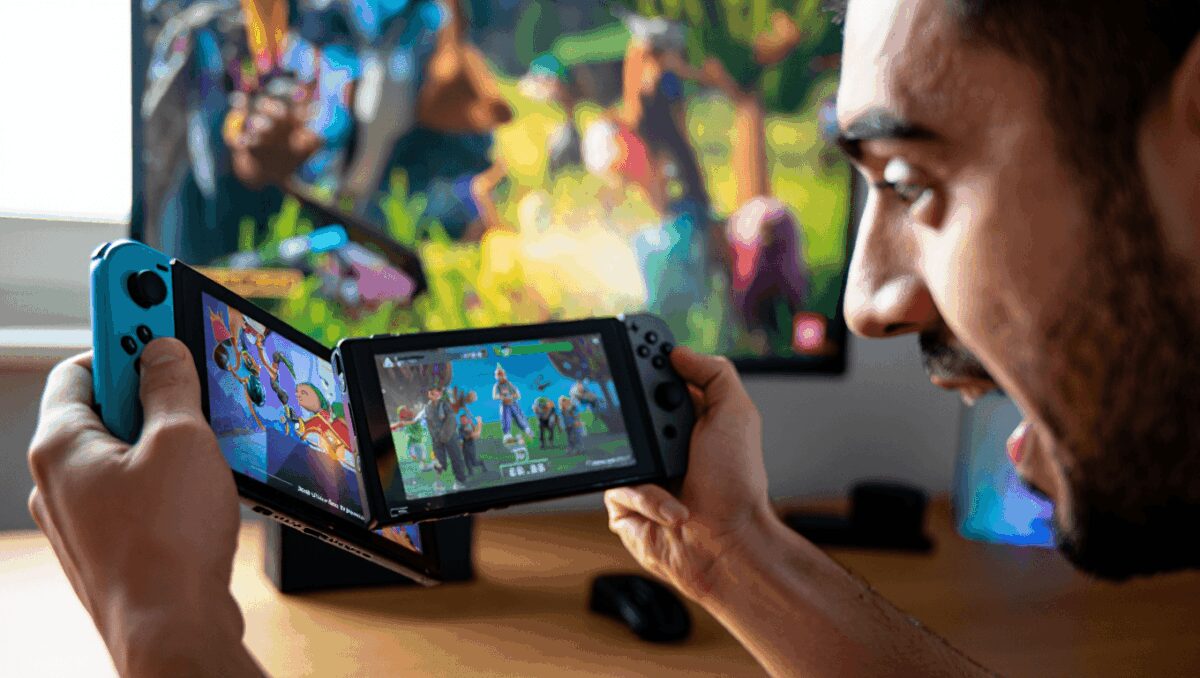
The Nintendo Switch 2 received a quietly significant software tweak this week that changes how older Switch titles run in handheld mode. For owners who keep a backlog of Switch games, the new Handheld Mode Boost can visibly improve visuals and frame rates—making many undocked sessions feel closer to the TV experience.
Crimson Desert on PS5 Pro delivers stunning visuals but mixed performance
Nintendo Switch 2 gets major speed boost for original games: enable handheld mode
After updating the console software, I spent several days testing a selection of legacy Switch games to see which benefited most. The results are mixed: some titles see clear gains, a few improve beyond expectations, and others are effectively unchanged.
What Handheld Mode Boost does and why it matters now
Built into the Switch 2 system options, Handheld Mode Boost forces undocked Switch software to run with the same performance profile the console uses in TV mode. That can translate into crisper graphics and steadier frame rates, but it also carries trade-offs—most notably higher power draw and potential changes to control behavior.
Parseword: proven strategies to climb the leaderboard fast
Pokémon Pokopia boosts Switch 2 appeal: cozy open-world sandbox convinces players to upgrade
For players who prefer portable play, this is important because it extends the life and enjoyment of games that haven’t received native Switch 2 upgrades. Rather than waiting for developers to release updated ports, many users can enable the feature and immediately notice smoother performance.
Not every game changes. Titles that rely on the touchscreen or other handheld-only features may lose functionality, and some third-party software shows no difference at all. That uneven effect makes hands-on testing useful before committing to Handheld Mode Boost for long play sessions.
| Title | Observed improvement | Notes |
|---|---|---|
| Pokémon Legends: Arceus | Higher frame stability and slightly improved texture clarity | Feels more consistent during open-world traversal |
| Pokémon Sword / Shield | Smoother framerate in crowded scenes | Battle sequences remain stable; overworld benefits most |
| Xenoblade Chronicles X: Definitive Edition | Noticeably better performance than some dedicated Switch 2 upgrades | Large environments run with fewer stutters in handheld |
| Monster Hunter Rise | Improved frame pacing during fights | Minor visual improvements; load times unchanged |
| Witcher 3: Wild Hunt (Complete) | Cleaner image and steadier framerate in action scenes | Battery decline is more noticeable under extended play |
| Paper Mario: The Thousand-Year Door | Slight visual polish; frame rate mostly consistent | Retro-style graphics don’t see dramatic change |
| Some titles (varied) | No meaningful change | Touchscreen-reliant titles may lose functionality |
These observations are based on side-by-side handheld testing. Results will vary by game and by how developers originally optimized their code for the first Switch hardware.
- Power and heat: Expect increased battery consumption and slightly warmer operation while the boost is active.
- Controls: In many cases detached Joy-Con controllers will be treated differently—the system can map them as if they were a Pro Controller.
- Touchscreen behavior: Some software may lose or restrict touch input when running under the boosted profile.
How to enable Handheld Mode Boost on your Switch 2
- Open System Settings from the home menu.
- Scroll to System and choose System Update to ensure your console is current.
- Install the update that brings your console to v22.0.0 (or later).
- Return to System Settings → System.
- Select Nintendo Switch Software Handling.
- Switch on Handheld Mode Boost.
Once enabled, the system will run undocked Switch software using TV-mode performance settings. If you rely on touchscreen input or specific Joy-Con behaviors, test each game to confirm everything works as expected. To use alternative controllers while the boost is active, detach any Joy-Con controllers first so they aren’t automatically recognized as a Pro Controller equivalent.
Nintendo notes that the mode’s effect depends on the software: some titles won’t change at all, and the forced TV-like operation can cause certain instructions or features to behave incorrectly. In short, Handheld Mode Boost is a useful option for many legacy titles, but it isn’t a universal upgrade and requires user testing to determine whether the trade-offs are acceptable for individual games.
For Switch 2 owners with extensive libraries, this update provides a straightforward way to improve older games today—without waiting for individual patches or full remasters. Try the setting with a few favorites and compare results before deciding whether to leave it on for regular handheld play.

Annabelle Ink is a gaming journalist and lifelong gamer who lives and breathes video game culture. From console releases to esports tournaments, this dedicated journalist brings insider knowledge and genuine enthusiasm to every review and feature. Her expertise spans multiple gaming platforms, helping readers discover their next favorite game while staying connected to the pulse of the gaming industry.