
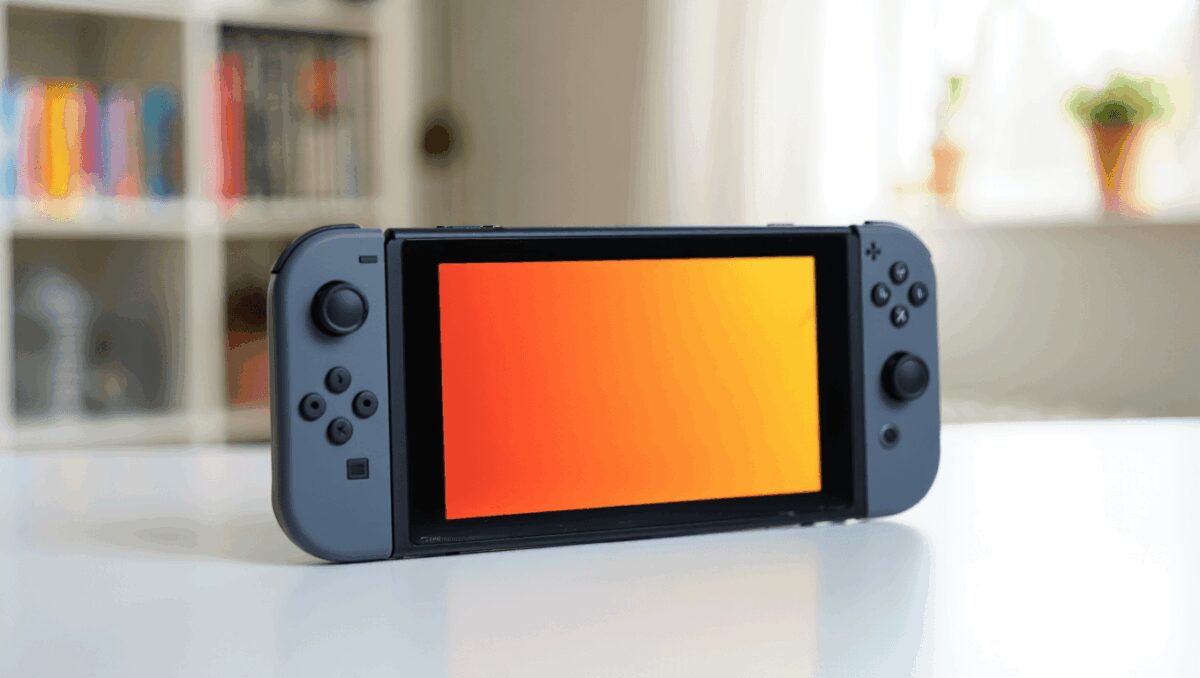
Nintendo’s latest Switch 2 update quietly adds a useful visual upgrade for backward-compatible games: a new Handheld Mode Boost that makes original Switch titles look closer to their docked appearance when played portable. That matters now because the feature is available to every Switch 2 owner at no extra cost and can materially change how older games appear on the device’s screen.
How to turn on Handheld Mode Boost
Parseword: proven strategies to climb the leaderboard fast
Pokémon Pokopia boosts Switch 2 appeal: cozy open-world sandbox convinces players to upgrade
You’ll need to be running the current system software to see the option. Follow these quick steps to enable the feature on your console:
- Open System Settings from the Home screen (the cog icon).
- Scroll down to the System section and select it.
- Choose Nintendo Switch Software Handling from the list.
- Flip the Handheld Mode Boost toggle to On.
Wordle March 13 could wreck 2026 streaks: brutal answer leaves players reeling
Nintendo Switch: 12 cozy games fans of Pokémon Pokopia should try this weekend
Note: the new toggle appears only after installing the current update. As of publication, the option requires system version 22.0.0 or later. The update is distributed free through the console’s update mechanism and requires an internet connection.
What the boost does
When enabled, Handheld Mode Boost uses the Switch 2’s extra processing headroom to increase the rendering resolution of compatible Switch (first‑generation) titles while you’re playing in portable mode. In practical terms, many games that ran at 720p on the original handheld can now approach or reach 1080p when played on Switch 2’s screen, producing a noticeably sharper image.
The feature is specifically targeted at legacy software. Native Switch 2 titles do not receive any performance or resolution changes from this toggle.
Benefits and trade-offs
The change is simple and immediate, but it isn’t cost‑free. Below is a short table that sums up the main implications so you can weigh them quickly.
| Effect | Likely impact |
|---|---|
| Higher handheld resolution | Smoother, clearer visuals for compatible Switch 1 games (closer to docked quality) |
| Increased power draw | Shorter battery life during gameplay compared with default handheld behavior |
| UI and input changes | Some on‑screen prompts may show TV‑mode wording; touchscreen can be disabled and attached Joy‑Con may be recognized differently |
| No effect on Switch 2 native games | Modern Switch 2 titles keep their existing performance and settings |
Practical considerations
For portable-first players who value image quality and usually play plugged in for short sessions, the visual improvement is compelling. But if you frequently rely on long battery life when you’re away from a charger, expect run times to fall faster than before — the boost uses more power to push higher internal resolutions.
There are also minor usability quirks. Because older games are treated like they’re in docked mode, some menu text and help prompts may refer to TV controls rather than handheld actions. Touch input may be disabled for compatibility reasons, and the system might report connected Joy‑Con as a different controller type.
Who should enable it
If you play many first‑generation Switch titles on the go and prefer crisper visuals over extended playtime, turning the boost on is worth trying. If battery endurance or touchscreen control is more important, you may prefer to keep the default setting off and enable the boost selectively when you can charge soon after playing.
Enabling or disabling the feature takes only a few seconds and can be reversed at any time, so it’s straightforward to test how the change fits your own habits and games library.

Annabelle Ink is a gaming journalist and lifelong gamer who lives and breathes video game culture. From console releases to esports tournaments, this dedicated journalist brings insider knowledge and genuine enthusiasm to every review and feature. Her expertise spans multiple gaming platforms, helping readers discover their next favorite game while staying connected to the pulse of the gaming industry.