
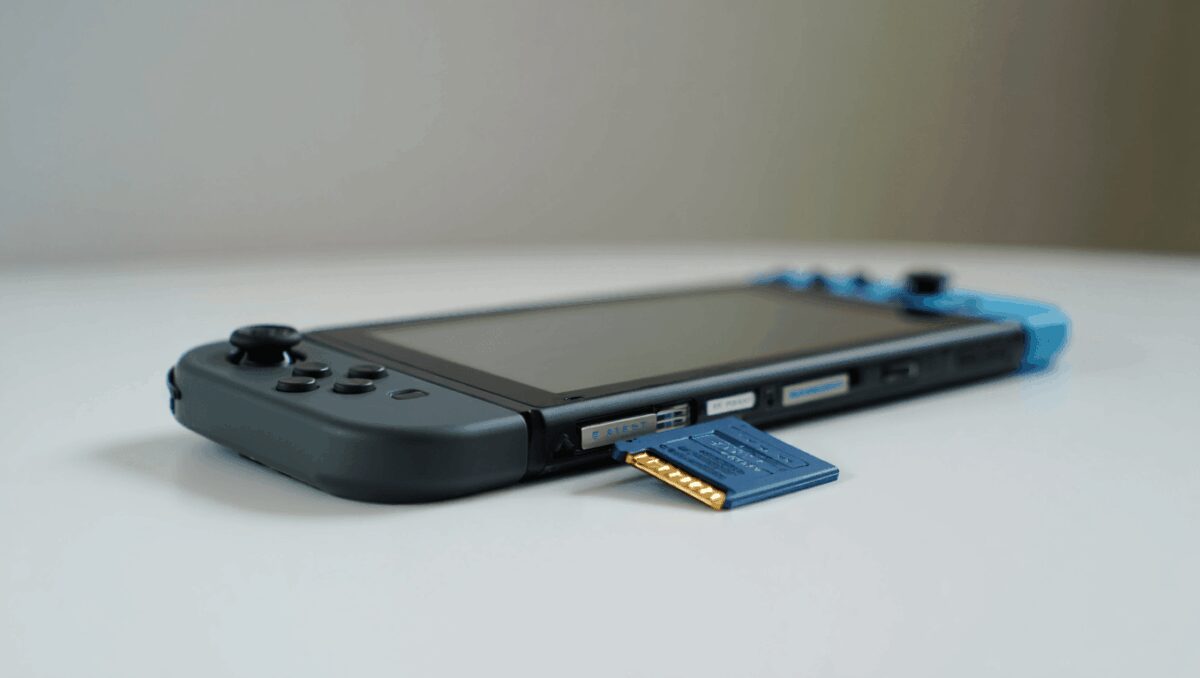
I’ve enjoyed using the Nintendo Switch 2 since its debut last year, but one persistent limitation keeps resurfacing: storage. As game installs grow into the tens of gigabytes, the console’s modest internal memory is becoming a practical problem for owners who want a broad, ready-to-play library on the go.
Splatoon Raiders mixes paint combat with treasure hunting: players already hooked
Steam Machine $1,049 review: fails to impress in hands-on test
The Switch 2 ships with 256GB of internal storage (roughly 249GB available to users), which quickly fills once you start adding modern AAA titles. For context: some recent big releases require dozens of gigabytes—about 60GB for Cyberpunk 2077: Ultimate Edition and roughly 90.5GB for Final Fantasy VII Rebirth—so even a few large games can consume a large share of that built-in space.
Why adding external storage matters now
PlayStation phases out physical discs this year: key dates and what gamers must know
Nintendo Switch 2 deals: bundles, top games and accessories discounted up to 43%
Portable play is the Switch 2’s core appeal. If you travel or often switch between several games, relying on internal storage means frequent deletions and re-downloads—or hunting for a fast Wi-Fi connection to fetch large files. That makes expandable storage not just convenient, but for many users, essential.
Thankfully, the console supports high-speed microSD Express cards. Installing one takes seconds and restores the flexibility to keep multiple games installed at once. The trade-off: those Express cards are significantly more expensive than standard microSD cards.
What I tested and what I observed
I installed a 512GB microSD Express card and used it to run a cross-section of demanding Switch 2 ports and titles, including Fallout 4 Anniversary Edition, The Legend of Zelda: Breath of the Wild, and the Switch 2 release of Devil May Cry 5.
In everyday use I noticed no meaningful differences in loading times or in-game performance between titles running from the card and those on the console’s internal memory. The expansion behaved like native storage: games launched reliably and gameplay remained smooth.
- Speed and compatibility: Make sure the card is a microSD Express model—regular microSD cards won’t deliver the same performance on Switch 2.
- Installation: Pop up the rear kickstand, insert the card into the slot, let the console format it, and you’re ready—no tools required.
- Usable space: Expect slightly less capacity than the label advertises (for example, a 512GB card typically offers ~465GB usable on the console).
Capacity, cost and a practical recommendation
Price is the main drawback. At the time of testing, retailers listed typical prices around these points:
| Card capacity | Approx. usable on Switch 2 | Typical retail price |
|---|---|---|
| 256GB | ~230GB | ~$84 |
| 512GB | ~465GB | ~$149 |
| 1TB | ~930GB | ~$349 |
For most players who want to avoid juggling installs, the 512GB option strikes the most reasonable balance between cost and capacity today. A 256GB card can help, but it may still fill up quickly if you keep several AAA games installed. The 1TB card offers the most headroom but carries a much higher price tag.
One more note: expanding storage doesn’t solve every complaint about the Switch 2. Battery life remains a separate pain point for long trips, so consider a portable power pack if you’re often away from mains power.
Bottom line
If your Switch 2 library already feels cramped, a microSD Express card is the simplest and most effective fix. Installation is effortless and, in my experience, performance from a quality Express card is indistinguishable from the internal drive. If you plan to keep several large titles installed, opt for at least 512GB—it’s the most practical middle ground between room to breathe and cost.

Annabelle Ink is a gaming journalist and lifelong gamer who lives and breathes video game culture. From console releases to esports tournaments, this dedicated journalist brings insider knowledge and genuine enthusiasm to every review and feature. Her expertise spans multiple gaming platforms, helping readers discover their next favorite game while staying connected to the pulse of the gaming industry.