
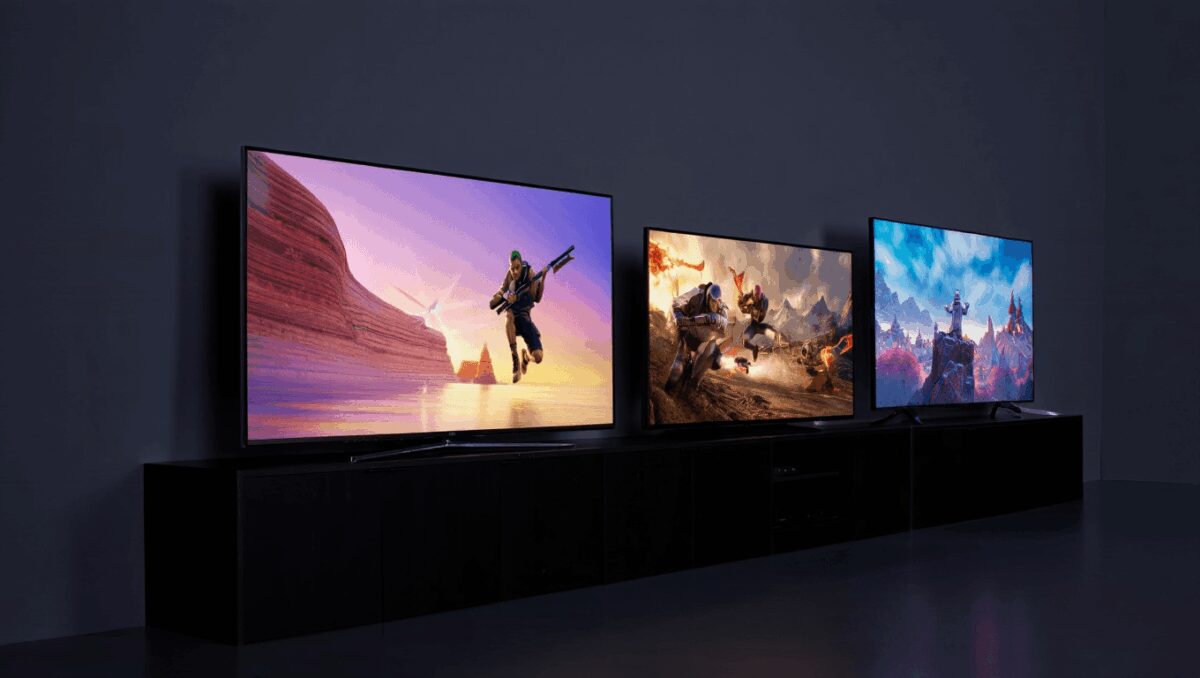
As games and cloud services push higher frame rates and richer HDR, the choice of TV matters more than ever for players who want responsive, vivid visuals. Below are three current models that deliver different trade-offs — a flagship OLED for contrast and color, a budget pick that punches above its weight, and a bright-panel option built for sunlit rooms.
Assassin’s Creed Black Flag Resynced shines in first 3 hours: old classic feels new
Asus ROG Xbox Ally $499 sale: snag $100 off ahead of Memorial Day
Not all screens are created equal for gaming. Modern titles and last‑generation consoles benefit from HDMI 2.1 bandwidth and native 120Hz+ refresh, while competitive players should prioritize low input lag and reliable game‑specific features such as an automatic low‑latency mode or a dedicated Game Hub.
| Model | Best for | Sizes | HDR | Refresh rate | HDMI | Notes |
|---|---|---|---|---|---|---|
| Samsung S90F OLED | Console-focused picture quality | 42–83″ | HDR10, HDR10+, HLG | 120Hz (up to 144Hz) | 4× HDMI 2.1 | Exceptional contrast and color; strong gaming feature set |
| Hisense U65QF | Value-oriented gamers | 55–100″ | Dolby Vision, HDR10, HDR10+, HLG | 144Hz | 2× HDMI 2.1, 2× HDMI 2.0 | High refresh at a low price; modest viewing angles |
| Hisense U75QG | Bright rooms and mixed use | 55–116″ | Dolby Vision, HDR10, HDR10+, HLG | 165Hz | 4× HDMI 2.1 | Outstanding HDR brightness; reflective screen coating |
Quick takeaways
- Samsung S90F OLED stands out for deep blacks and accurate color, making it the best pick for those who prioritize picture quality in single‑player and cinematic games.
- Hisense U65QF delivers the best price‑to‑performance ratio: higher refresh rates than many premium sets at a significantly lower cost.
- Hisense U75QG is the choice if you need a TV that remains visible in bright environments while still offering fast refresh and low lag.
Samsung S90F OLED — premium picture, full gaming toolkit
The S90F pairs OLED contrast with a gaming‑focused software suite, including a hub that recognizes connected consoles and automatically applies a low‑latency profile. Four HDMI 2.1 ports and a 120Hz panel make it well suited to current consoles and cloud gaming services.
Measured input lag sits in the single‑digit milliseconds range in Game Mode, which is perceptible to competitive players but primarily benefits immersive, visually rich experiences. The set’s handling of deep shadows and bright highlights makes both colorful platformers and darker RPGs look noticeably better than on average LED screens.
Hisense U65QF — an unexpectedly strong budget option
This model is notable for offering a higher native refresh than some premium sets, along with two HDMI 2.1 inputs — enough for a console and a PC or next‑gen console. The price positioning makes it a straightforward recommendation for buyers who don’t want to overspend but still want modern gaming features.
In lab testing the U65QF shows slightly higher input lag than the flagship OLED, a measurable difference for highly competitive multiplayer but typically acceptable for casual and single‑player use. Its main compromises are viewing angles and some blooming on fast motion, which are common at this price point.
Hisense U75QG — built to fight ambient light
Where the U75QG shines is literal: HDR peak output is markedly higher than many rivals, so it’s easier to see details in bright living rooms. The panel’s 165Hz capability also helps for high‑frame‑rate PC play. Four HDMI 2.1 ports provide flexibility for multiple consoles and accessories.
Do note the screen is more reflective than matte alternatives; direct sunlight will still wash out the image. But for daytime play in rooms with windows, its brightness advantage is a real practical benefit.
How these picks were evaluated
We combine laboratory measurements — brightness, color accuracy, input lag and refresh handling — with hands‑on gaming sessions using contemporary consoles and PCs. That dual approach identifies both the raw performance numbers and how a TV actually feels in play, which can diverge.
Data helps rank models objectively; practical use highlights whether menus, game modes and platform integrations work smoothly under real‑world conditions. Both viewpoints informed the selections above.
Choosing the right gaming TV for you
Start with how and where you play. If competitive online multiplayer is your priority, favor the lowest input lag you can find and at least one dedicated HDMI 2.1 port. If your living room gets a lot of daylight, prioritize peak HDR brightness and anti‑glare performance.
Refresh rates matter: consoles today target 120Hz, so a native 120Hz panel is a sensible baseline. If you plan heavy PC gaming, higher panels (144Hz–165Hz) can provide smoother motion when paired with a capable GPU.
Finally, consider value over novelty: last year’s flagship often offers most of the performance of the newest models for less money. Look for a balance of ports, native refresh rate, and measured lag rather than simply the latest marketing claims.
Bottom line: whether you prioritize cinematic contrast, low cost, or daylight visibility, a modern gaming TV can materially change gameplay and viewing — choose according to the games you play and the room where you play them.

Annabelle Ink is a gaming journalist and lifelong gamer who lives and breathes video game culture. From console releases to esports tournaments, this dedicated journalist brings insider knowledge and genuine enthusiasm to every review and feature. Her expertise spans multiple gaming platforms, helping readers discover their next favorite game while staying connected to the pulse of the gaming industry.