
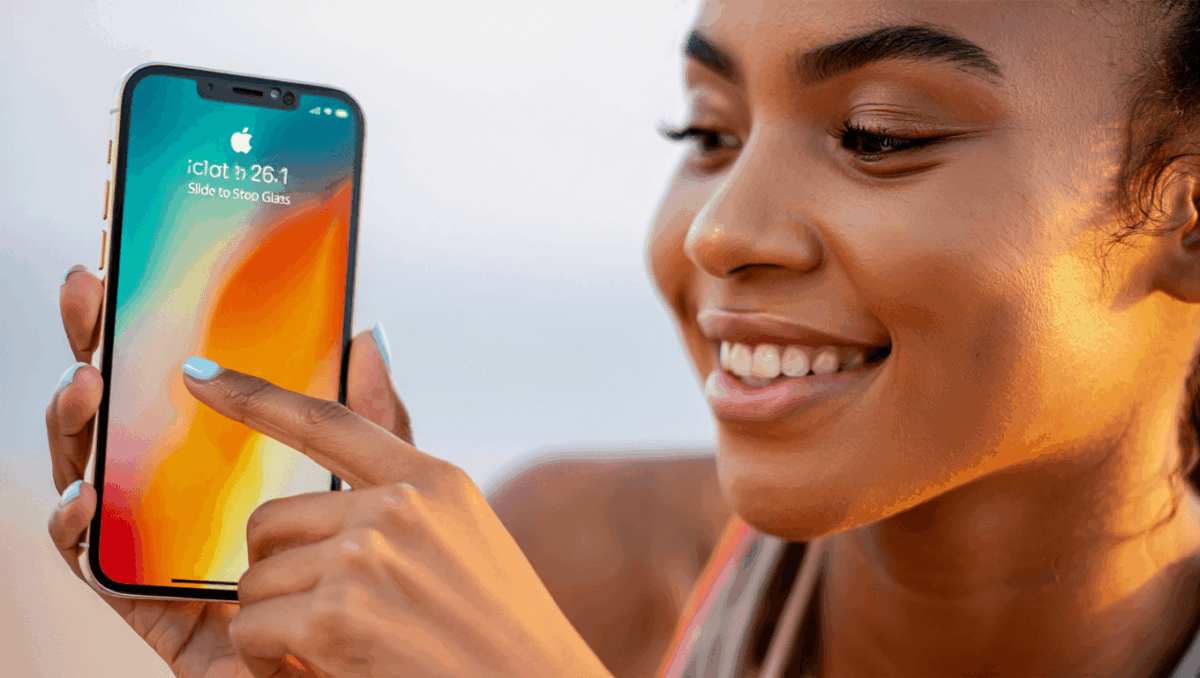
iOS 26.1 is now Apple’s recommended update for every iPhone user. Released on November 3, 2025, this version brings significant security enhancements and exciting features that make upgrading essential before iOS 26.2 arrives. Whether you’re still on older versions or iOS 26, here’s everything you need to know.
🔥 Quick Facts
- iOS 26.1 released on November 3, 2025 with Apple officially recommending it as the standard update by December 2025
- Features Liquid Glass interface with tinted visual options and enhanced Slide to Stop alarm functionality
- Includes critical Background Security Improvements that work automatically in the background for continuous protection
- iOS 26.2 expected to launch December 15-16, 2025, with 8 new features including offline Apple Music lyrics and enhanced podcast auto-chapters
Why Apple Made iOS 26.1 the Recommended Update
TurboTax Expert Full Service opens January 5, 2026, and what new tax law changes mean for your refund will surprise you
Intel stock soars 4% at open with analyst predicting $50 target, here’s why Panther Lake launch today changes everything
Apple pushed iOS 26.1 as the official recommended version because it represents a critical step forward in iPhone security and design. By early December 2025, the company demoted older iOS 18.7.2 on its update screens, making iOS 26.1 the prominent choice. This signals Apple’s confidence in the update’s stability and readiness for the wider user base.
The Background Security Improvements feature became a game-changer. Available for future releases starting with iOS 26.1, this technology automatically enhances encryption and strengthens app permission controls without requiring user intervention. Security experts praised the encryption improvements that protect sensitive data across Apple devices.
The Liquid Glass Design Revolution
Samsung Galaxy S26 Ultra drops at $1,299 but kept one jaw-dropping feature completely secret until February 25
CES 2026 unveils $99 AI memory wearable and smart glasses that finally look normal, but Samsung’s 6K 3D display will blow your mind
iOS 26.1 introduces Liquid Glass, Apple’s most significant design update since iOS introduction. This redesign affects your Lock Screen, Home Screen, Control Center, and apps with a fluid, modern aesthetic. The interface features a new tinted option allowing users to customize the visual appearance to their preference.
One standout feature is the reimagined alarm system. Apple replaced the traditional tap-to-stop button with a refined Slide to Stop bar on the Lock Screen that feels more intuitive. Users can now set alarms directly for reminders, making time management more seamless. Additionally, the update enables disabling Lock Screen camera swipe access through Settings for enhanced privacy.
| Feature | Details |
| Liquid Glass Design | Affects Lock Screen, Home Screen, Control Center, all apps |
| Tinted Option | Customizable visual appearance for personalization |
| Slide to Stop Alarm | Replaces tap button with intuitive slide gesture |
| Live Translation | Expanded languages with AirPods support |
| Release Date | November 3, 2025 |
Security Improvements That Matter
iOS 26.1’s security enhancements go well beyond surface-level updates. Apple addressed critical vulnerabilities through background security improvements that continuously monitor and protect your device without interrupting your workflow. The update improves how iOS encrypts and protects sensitive data while strengthening app permission controls significantly.
Notably, Apple resolved severe vulnerabilities in the Apple Neural Engine, specifically addressing CVE-2025-43447 and CVE-2025-43462, which previously enabled unauthorized access at the system level. Users can enable automatic background security improvements through Settings > Privacy & Security > Background Security Improvements for continuous real-time protection without manual intervention.
Communication and Content Features Expanded
Beyond security and design, iOS 26.1 adds meaningful communication enhancements. Live Translation now supports expanded language options specifically optimized for AirPods, making international conversations more seamless. The update includes refined Apple Podcasts features and improved Apple Music functionality that users have been requesting.
The accessibility improvements across iOS 26.1 make features more intuitive for all users. Whether you’re managing alarms through reminders, using enhanced translation capabilities, or enjoying the new Liquid Glass visual design, Apple prioritized user experience in every detail.
Should You Upgrade Before iOS 26.2 Arrives?
Yes, absolutely – upgrading to iOS 26.1 before iOS 26.2 drops in mid-December is highly recommended. iOS 26.2 brings 8 new features including offline lyrics in Apple Music, improved Sleep Score calculations, enhanced auto-chapters in podcasts, and AirDrop PIN security for safer file sharing. By updating to 26.1 now, you’ll have the stable foundation and security infrastructure in place for the seamless transition to 26.2.
The combination of critical security patches, the modern Liquid Glass design, Background Security Improvements, and enhanced communication features makes iOS 26.1 essential for all iPhone users. Apple’s official recommendation carries weight – they wouldn’t promote it without confidence. Install iOS 26.1 through Settings > General > Software Update today, and prepare for iOS 26.2’s additional innovations arriving within weeks.
“iOS 26.1 improves how iOS encrypts and protects sensitive data and strengthens app permission controls, meaning people will have even greater control and security.”
— Apple Security Team, Official Statement
Watch: iOS 26.1 Review and Features
Sources
- Apple Support – Official iOS 26.1 security content and release notes
- MacRumors – Comprehensive coverage of iOS 26.1 and 26.2 features
- USA Today – Independent review and analysis of iOS 26 updates

Lee Ann Anderson is a technology journalist specializing in consumer tech, digital innovation, and Silicon Valley trends. With a talent for breaking down complex technical concepts into accessible insights, this skilled journalist keeps readers informed about the gadgets, apps, and breakthroughs shaping our digital future. Her coverage bridges the gap between tech enthusiasts and everyday users.