
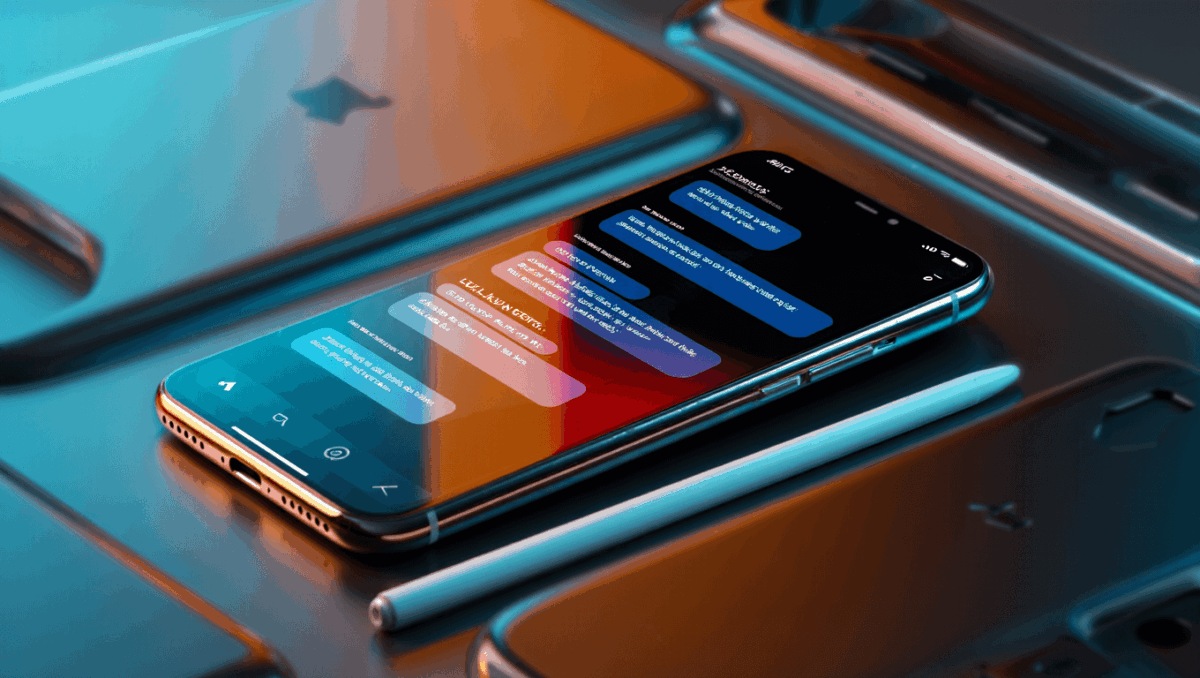
iOS 26.2 arrives this week with one of Apple’s biggest design transformations and game-changing AI features built right into your iPhone. The update introduces Liquid Glass, a stunning new visual design that reflects and refracts your interface, while Live Translation powered by on-device AI eliminates language barriers in real time.
🔥 Quick Facts
- Release window: iOS 26.2 rolling out December 8-10, 2025 for all compatible iPhones
- Liquid Glass design: New customizable visual layer with transparency controls now adjustable via slider settings
- Live Translation expansion: AirPods Live Translation now available to EU users for first time with iPhone integration
- Additional features: Urgent alarm notifications, enhanced safety alerts, AirDrop improvements, and Apple Music lyric offline viewing
Liquid Glass Design Redefines iPhone Interface
TurboTax Expert Full Service opens January 5, 2026, and what new tax law changes mean for your refund will surprise you
Intel stock soars 4% at open with analyst predicting $50 target, here’s why Panther Lake launch today changes everything
Liquid Glass represents Apple’s most ambitious software design refresh since iOS 7. The translucent material reflects and refracts everything around it, creating depth and movement. Each app window behaves like frosted glass, adapting dynamically to show more of your content while maintaining visual hierarchy.
iOS 26.2 adds granular control with a new customization slider in Settings. Users can now adjust the glass effect from pure transparency emphasizing what’s behind the interface to completely matte saturation for reduced visual noise. This flexibility addresses accessibility needs and personal preference variations.
Samsung Galaxy S26 Ultra drops at $1,299 but kept one jaw-dropping feature completely secret until February 25
CES 2026 unveils $99 AI memory wearable and smart glasses that finally look normal, but Samsung’s 6K 3D display will blow your mind
Lock screen clock effects get a complete overhaul with Liquid Glass. The time now responds to motion, creating subtle animations that feel responsive without consuming battery. Control Center and notification panels embrace the new design language with reflective surfaces that adapt based on your wallpaper and light conditions.
AI Live Translation Powers Real-Time Conversation
The most transformative feature arriving this week is Live Translation, powered by Apple Intelligence running directly on your device. Unlike cloud-based competitors, translations happen entirely offline, protecting privacy while delivering instant results.
FaceTime calls now display live translated captions automatically. Speak to someone in Spanish while they speak English, and both see real-time translations. The Phone app applies the same technology to standard calls without requiring any setup beyond updating iOS. Messages translations happen instantly when reading texts from international contacts.
EU users gain access to AirPods Live Translation for the first time. When paired AirPods detect a conversation partner speaking another language, translations play automatically in your ear. This feature launches in five initial languages with more coming in future updates.
| Feature | Details |
| Live Translation Technology | On-device Apple Intelligence, completely offline |
| Supported Apps | FaceTime, Messages, Phone, Email |
| AirPods Translation | EU region exclusive feature launching December 2025 |
| Initial Languages | Five primary languages with expansion coming |
| Privacy Level | Maximum—translations never leave your iPhone |
Safety Alerts and Notifications Get Smarter
iOS 26.2 introduces a centralized Enhanced Safety Alerts section in Notifications settings. Earthquake alerts now provide earlier warnings with more granular location precision. Imminent threat notifications combine data from NOAA, local agencies, and cellular networks for more accurate coverage.
The urgent alarm notification system allows users to set custom alarms directly from the Reminders app. Specify exact times for critical tasks, and your iPhone overrides Do Not Disturb automatically. This feature addresses the gap between calendar events and active maintenance windows.
Connectivity improvements expand emergency alert reach even when cellular service drops. WiFi-based notifications ensure you receive critical warnings regardless of carrier availability, a significant upgrade for rural areas.
Additional Updates Enhance Daily iPhone Experience
AirDrop security enhancements arrive with iOS 26.2, restricting transfers from unknown devices unless you explicitly approve them. CarPlay gains Tesla integration and new customization options for dashboard layouts. Apple Music users can now view lyrics offline, solving one of the most requested features.
Reminders app improvements include alarm functionality and better organization. Podcast app receives enhanced playback controls. Photo app changes make browsing your library faster with reorganized layout options. Overall performance tweaks target battery optimization and faster app launches.
Bug fixes address critical issues from previous iOS 26.1 versions. MacRumors reports the RC2 version corrected several problems that delayed public release. Expect smooth adoption this week with minimal compatibility issues across iPhone 12 through iPhone 16 models.
What iPhone Models Support iOS 26.2 and Why This Update Matters?
iOS 26.2 delivers transformative changes that redefine how you interact with your iPhone. The combination of Liquid Glass visual elegance and Live Translation AI power creates the most feature-rich iPhone update in years. Apple Intelligence finally reaches everyday communication, making international contact seamless.
The design refresh isn’t cosmetic—Liquid Glass improves visual clarity through intentional use of depth and transparency. Translation technology eliminates friction from cross-language communication entirely. Safety enhancements could save lives by providing earlier emergency warnings.
Update installation opens Wednesday through Friday this week. Most users report smooth transitions with no data loss or app compatibility issues. The 1.2GB download size requires WiFi connection for best results, though cellular installation works if necessary.
“iOS 26 also has a built-in Live Translation feature in the Messages, Phone, and FaceTime apps, with no AirPods required.”
— MacRumors, iOS Feature Coverage
Experience iOS 26.2 Features in Action
Sources
- MacRumors – Comprehensive iOS 26.2 feature documentation and release timeline
- Apple Newsroom – Official iOS 26 Liquid Glass design introduction and specifications
- Forbes – iOS 26.2 update analysis covering security and feature details

Lee Ann Anderson is a technology journalist specializing in consumer tech, digital innovation, and Silicon Valley trends. With a talent for breaking down complex technical concepts into accessible insights, this skilled journalist keeps readers informed about the gadgets, apps, and breakthroughs shaping our digital future. Her coverage bridges the gap between tech enthusiasts and everyday users.