
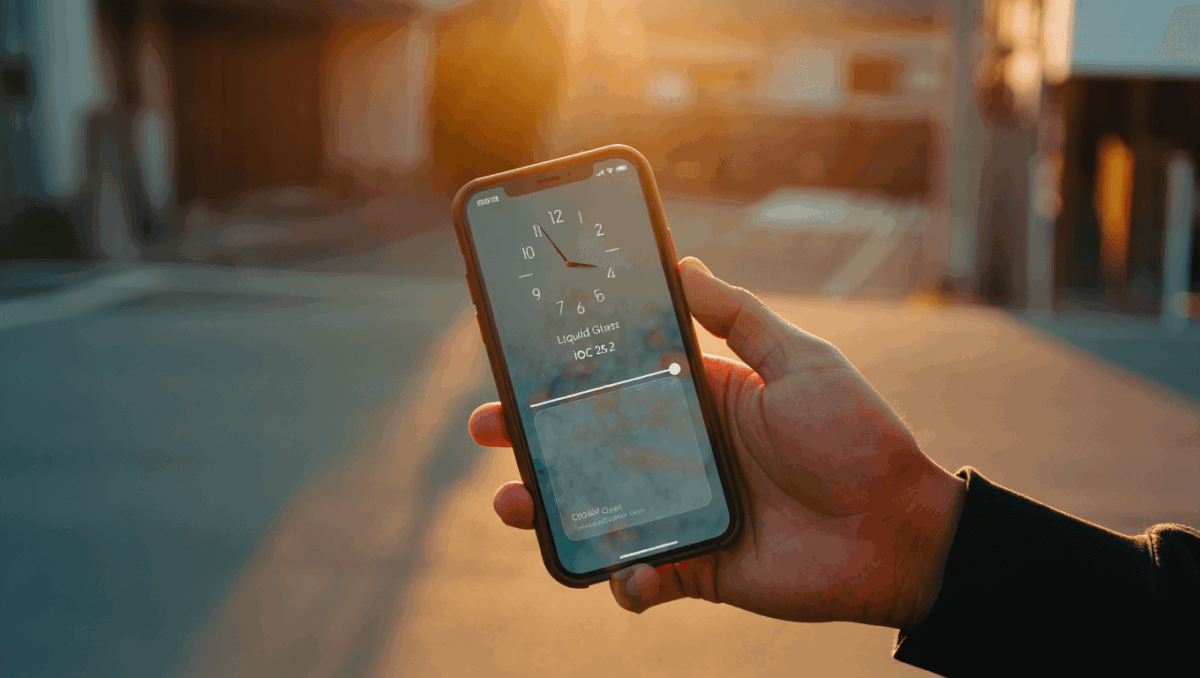
iOS 26 is about to get even better this week with iOS 26.2, bringing 15 major new features to your iPhone. Apple’s latest update arrives between December 10-15, 2025, and includes game-changing improvements to reminders, security, and everyday usability. Here’s everything you need to know about what’s coming to your device.
🔥 Quick Facts
- Release window: iOS 26.2 rolling out to all iPhone users between December 10-15, 2025
- 15 new features including Liquid Glass improvements, AirDrop PIN codes, and reminder alarms
- Security ahead: New AirDrop PIN system protects sharing with unknown contacts for 30 days
- 1 billion iPhone users will gain access to critical security updates and feature improvements
iOS 26 Gets Smart Reminders with Alarm Notifications
TurboTax Expert Full Service opens January 5, 2026, and what new tax law changes mean for your refund will surprise you
Intel stock soars 4% at open with analyst predicting $50 target, here’s why Panther Lake launch today changes everything
Apple’s Reminders app is getting its biggest update yet in iOS 26.2. Users can now toggle on an “Urgent” mode that triggers alarm-style notifications for critical tasks. This feature finally bridges the gap between simple reminders and time-sensitive alerts.
When you mark a reminder as urgent, it behaves like an alarm—demanding your attention with sound and vibration. This solves a long-standing frustration where important reminders could get lost in notification noise. The feature works seamlessly with iPhone’s notification system, ensuring critical tasks never slip through the cracks again.
Liquid Glass Design Gets Fine-Tuned Controls Across iOS
Samsung Galaxy S26 Ultra drops at $1,299 but kept one jaw-dropping feature completely secret until February 25
CES 2026 unveils $99 AI memory wearable and smart glasses that finally look normal, but Samsung’s 6K 3D display will blow your mind
The signature Liquid Glass UI element introduced in iOS 26 gets meaningful refinements in 26.2. A new Lock Screen slider lets you adjust the clock’s transparency level with precision. Slide toward frosted for clarity, or toward transparent to showcase your wallpaper—it’s your choice.
Beyond the Lock Screen, Liquid Glass toolbars now appear throughout Mail, Notes, Messages, and other core apps. This visual consistency creates a more polished experience while keeping your content front and center. Apple designed these refinements based on user feedback during the beta testing phase, ensuring practical improvements rather than purely aesthetic changes.
| Feature | Details |
| Lock Screen Clock | Adjustable transparency slider for frosted to clear |
| App Integration | Liquid Glass in Mail, Notes, Messages, Measure |
| Design Philosophy | Content-focused with refined navigation bars |
| User Control | Full customization per user preference |
AirDrop Gets Major Security Boost with PIN Codes
AirDrop’s biggest security enhancement arrives in iOS 26.2. Sharing files with unknown contacts now requires a PIN code system. When someone sends you a file via AirDrop, you generate a secure PIN that the sender must enter to complete the transfer. This two-step verification eliminates the risk of accidental or malicious unwanted file sharing.
The system remembers trusted devices for 30 days, so you won’t need to enter PINs repeatedly with people you regularly share with. Apple’s privacy team designed this feature to protect against bump attacks and unwanted file transfers in crowded spaces. Additionally, you can now AirDrop files to people not in your contacts—expanding compatibility while maintaining security through the PIN requirement.
Apple Music Offline Lyrics and Podcast Automation Shine
Apple Music users will love the offline lyrics feature coming in iOS 26.2. Song lyrics now download automatically with tracks, letting you view them instantly whether you’re connected to Wi-Fi or not. Music lovers have waited years for this feature—it finally addresses one of the service’s most requested improvements.
The Podcasts app gains intelligence with automatic chapter creation. Rather than manually editing podcast metadata, iOS 26.2 analyzes audio patterns and generates chapter markers automatically. Additionally, Sleep Score tracking arrives in the Health app, measuring sleep quality alongside duration. Apple’s Health ecosystem now provides deeper wellness insights for users monitoring rest patterns.
CarPlay, Translation, and Security Lock Down Your Privacy
CarPlay gets practical upgrades in iOS 26.2. You can now unpin messages from the infotainment display, giving you better control over which conversations appear while driving. This subtle feature prevents accidental message visibility and keeps your CarPlay interface organized the way you prefer.
Live Translation expands to the EU with AirPods support, breaking language barriers in real-time conversations across European markets. The update also refines emergency alert systems, ensuring critical government notifications reach you faster. Additional improvements include better website password management, expanded item tracker range with anti-tamper improvements, and refreshed message features in the Messages app for richer conversations.
“iOS 26.2 also delivers new AirDrop security and new emergency alerts, while fixing a raft of security flaws and vulnerabilities that impact all iPhone users.”
— Forbes, Technology Reporting
Sources
- MacRumors – Comprehensive documentation of all 15 iOS 26.2 features
- Forbes – Security and critical updates analysis
- 9to5Mac – Detailed feature breakdown and release timing

Lee Ann Anderson is a technology journalist specializing in consumer tech, digital innovation, and Silicon Valley trends. With a talent for breaking down complex technical concepts into accessible insights, this skilled journalist keeps readers informed about the gadgets, apps, and breakthroughs shaping our digital future. Her coverage bridges the gap between tech enthusiasts and everyday users.