
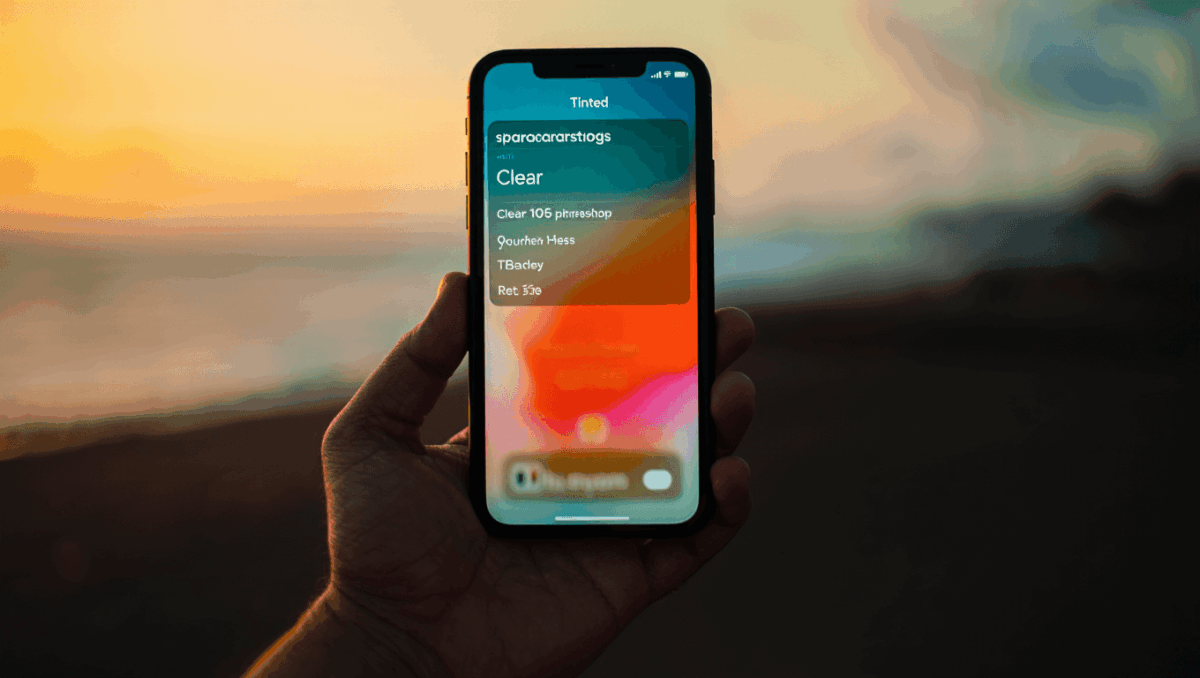
iOS 26.1 is now Apple’s officially recommended update for all iPhone users, bringing a refined design experience with the ability to customize Liquid Glass transparency. Released on November 3, 2025, this first major point update transforms how your iPhone looks and functions with customizable visual controls.
🔥 Quick Facts
- Release date: November 3, 2025, with Apple’s recommendation push on December 2
- Key feature: Liquid Glass transparency toggle between clear and tinted opacity levels
- Alarm changes: Slide to stop gesture now required for alarms and timers
- Recommended for: All iPhone users still on iOS 18 upgrading to iOS 26
What Changed in iOS 26.1: Liquid Glass Redesign Explained
TurboTax Expert Full Service opens January 5, 2026, and what new tax law changes mean for your refund will surprise you
Intel stock soars 4% at open with analyst predicting $50 target, here’s why Panther Lake launch today changes everything
Apple’s Liquid Glass design made its debut in iOS 26, introducing translucent, fluid toolbar effects across Mail, Notes, Messages, and other core apps. The iOS 26.1 update gives users control over this eye-catching design element through a new transparency setting.
The Liquid Glass design features light refraction effects that create a beautiful but sometimes distracting visual experience. In iOS 26.1, Apple introduced a straightforward toggle allowing users to choose between a Clear option and a Tinted option. This change lets iPhone owners decide whether they want the full luminous effect or a more subdued, readable interface.
Customizing Liquid Glass: Your New Control Options
Samsung Galaxy S26 Ultra drops at $1,299 but kept one jaw-dropping feature completely secret until February 25
CES 2026 unveils $99 AI memory wearable and smart glasses that finally look normal, but Samsung’s 6K 3D display will blow your mind
Finding the Liquid Glass transparency toggle is simple through your iPhone’s Settings app. Navigate to Display & Brightness settings where the new option appears prominently. The Clear setting preserves the original Liquid Glass effect introduced in iOS 26, while the Tinted option reduces translucency for improved readability.
This customization feature addresses feedback from early iOS 26 users who found the original Liquid Glass effect occasionally impacted text readability in bright sunlight. The toggle solution demonstrates Apple’s commitment to responsive design based on user preferences without removing the innovative new visual direction entirely.
| Feature | Details |
| Release Date | November 3, 2025 |
| Recommended Status | December 2, 2025 |
| Primary New Feature | Liquid Glass transparency toggle |
| Alarm Changes | Slide to stop gesture required |
| Compatible Devices | iPhone 11 and newer |
Additional Improvements Beyond Design: What Else Changed
iOS 26.1 brought more than just visual customization to Apple’s ecosystem. The update includes expanded Live Translation features that enhance communication across different languages. Apple also refined how alarms and timers function, introducing the slide to stop gesture for improved notification management.
Security improvements accompany this update, addressing memory handling issues and multiple vulnerabilities documented in Apple’s security advisory. The update represents attention to both user experience and device safety across iPhone, iPad, and Mac platforms with synchronized improvements.
“With iOS 26.1, Apple lets users make the Liquid Glass design changes directly in settings to their preference, giving them control over their iPhone experience.”
— CNET Tech Review, Technology Analysis
Why Apple Made iOS 26.1 Recommended: The Strategic Move
Apple’s December 2 recommendation signals that iOS 26.1 stability reached enterprise-grade levels after initial November deployment. All iPhone users running iOS 18 or earlier now see iOS 26.1 as the default upgrade option, making the decision simpler for non-technical users.
The recommended status reflects accumulated performance data, completed security patches, and successful rollout across millions of devices. Users can expect improved battery efficiency compared to earlier testing phases, faster app performance, and the full suite of iOS 26 innovations beyond what was available in the original release.
Is iOS 26.1 Worth Updating to Right Now?
iOS 26.1 appeals most to users who desire cutting-edge iPhone features and fresh visual design, alongside those concerned about security. The Liquid Glass customization alone justifies upgrading for aesthetics-focused users. If you’re satisfied with iOS 18 performance, the choice hinges on whether new features matter more than maintaining device stability patterns you already understand.
Early adopter experiences from November revealed the update works reliably across iPhone models from iPhone 11 through iPhone 16 Pro Max. Storage requirements remain minimal, though backup before updating remains prudent practice regardless of perceived risk levels with Apple’s refined software.
Watch: Understanding iOS 26.1 Features
Sources
- The Verge – iOS 26.1 release and feature breakdown
- MacRumors – Comprehensive iOS 26.1 features guide
- Apple Support – Official security updates and technical specifications

Lee Ann Anderson is a technology journalist specializing in consumer tech, digital innovation, and Silicon Valley trends. With a talent for breaking down complex technical concepts into accessible insights, this skilled journalist keeps readers informed about the gadgets, apps, and breakthroughs shaping our digital future. Her coverage bridges the gap between tech enthusiasts and everyday users.