
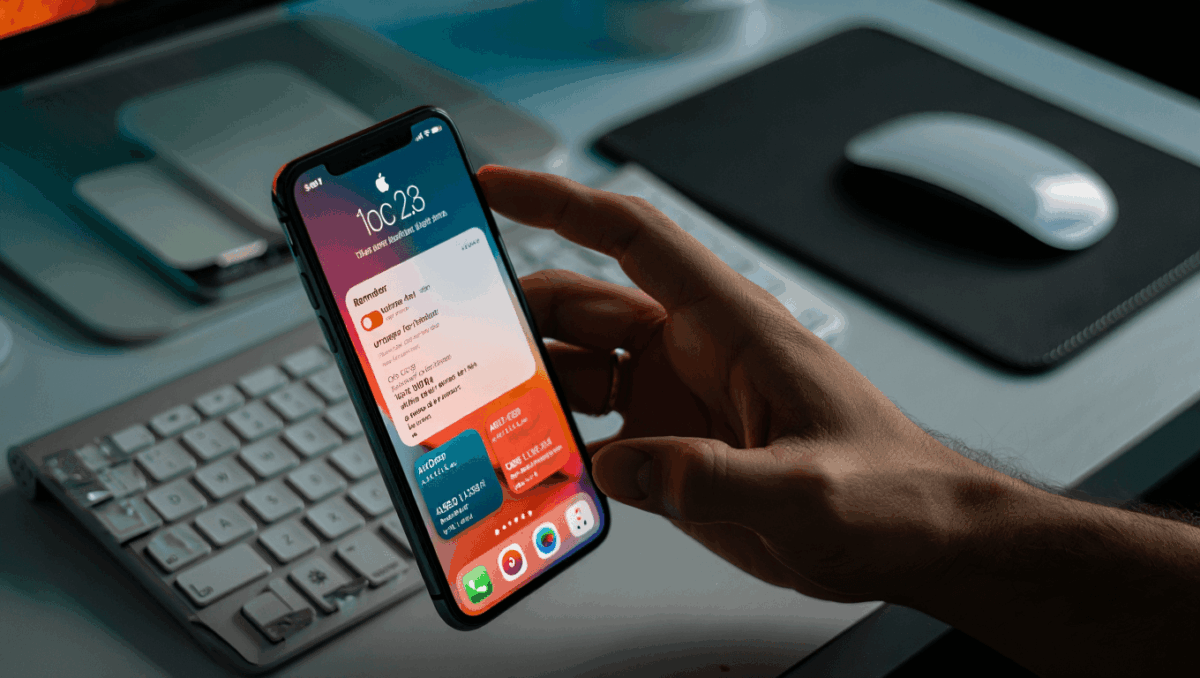
iOS 26.2 arrives next week with more than 15 new features designed to enhance offline music listening, improve reminders with audible alarms, and introduce innovative AirDrop sharing capabilities. Apple’s latest iPhone update brings refinements across music, notifications, and file sharing that users have been requesting.
🔥 Quick Facts
- iOS 26.2 arrives between December 8-10, 2025 with the Release Candidate seeded on December 3rd
- Apple Music offline lyrics now fully supported for viewing song lyrics without internet connection
- One-time AirDrop codes enable 30-day file sharing with non-contacts via generated passcodes
- Reminders app adds Urgent alarms that play loud alarm sounds instead of silent notifications
What Makes iOS 26.2 the Most Anticipated Update Yet
TurboTax Expert Full Service opens January 5, 2026, and what new tax law changes mean for your refund will surprise you
Intel stock soars 4% at open with analyst predicting $50 target, here’s why Panther Lake launch today changes everything
Apple has been engineering iOS 26.2 as a comprehensive refinement to the iOS 26 platform that launched in September 2025. The update focuses on practical everyday features rather than flashy additions. Release candidate versions arrived to developers and public beta testers on December 3, 2025, signaling the final testing phase before public rollout.
This marks the second major point release since iOS 26’s debut, following iOS 26.1 which arrived on November 3, 2025. Each successive update demonstrates Apple’s commitment to addressing user feedback systematically and methodically.
The 15+ New Features Breaking Down iOS 26.2’s Biggest Improvements
| Feature Category | Key Update |
| Apple Music | Offline lyrics viewing with full translations and beat-by-beat syncing |
| Reminders App | Urgent alarm mode with loud alert sounds and lock screen controls |
| AirDrop | One-time share codes valid for 30 days without adding contacts |
| Lock Screen | Liquid Glass slider for granular clock transparency control |
| Podcasts | AI-powered automatic chapter generation and transcript links |
| Health App | Improved Sleep Score with new measurement tiers |
Samsung Galaxy S26 Ultra drops at $1,299 but kept one jaw-dropping feature completely secret until February 25
CES 2026 unveils $99 AI memory wearable and smart glasses that finally look normal, but Samsung’s 6K 3D display will blow your mind
The update introduces features across Apple Music, Reminders, Podcasts, Health, Games, and Accessibility applications. Additional enhancements include screen flash for notifications in accessibility settings, improved Apple News interface with category shortcuts, and enhanced safety alerts for earthquakes and location-based warnings.
How the New Offline Lyrics Feature Changes Apple Music Forever
Offline lyrics support stands as one of the most requested features in Apple Music’s history. Previously, viewing song lyrics required an active internet connection, limiting functionality on flights, remote areas, or during commutes. iOS 26.2 resolves this entirely.
Users can now access complete lyrics with translations, beat-by-beat syncing, and synchronized scrolling available completely offline. This enhancement particularly benefits users with Apple Music subscriptions who downloaded their favorite tracks for offline listening. The feature works seamlessly across iPhone, iPad, and Mac platforms supporting iOS 26.2 and iPadOS 26.2.
Apple’s implementation includes AI-driven lyric timing synchronization that follows the current playback position, creating an immersive visual experience even without internet connectivity. This positions Apple Music more competitively against Spotify and other streaming rivals.
AirDrop’s Game-Changing Code System and Why It Matters Beyond Your Contacts
One-time AirDrop codes represent a significant shift in Apple’s approach to wireless file sharing. Traditionally, AirDrop required adding recipients to contacts or enabling the “Everyone Nearby” option temporarily. The new system eliminates this friction while maintaining security.
When sharing files, users can now generate a 30-day temporary code that recipients type into their device to receive files without becoming permanent contacts. This benefits travelers meeting new people, business professionals exchanging files at conferences, and anyone sharing with individuals not in their contact list. Apple also introduced a “Manage Known AirDrop Contacts” interface for reviewing and controlling previous code-sharing relationships.
‘iOS 26.2 introduces a one-time AirDrop code system, letting you share files with someone even if they’re not in your contacts. Once generated, the code remains valid for 30 days.’
— MacRumors, December 5, 2025
Why the Reminders Urgent Alarm Feature Solves a Decade-Old Complaint
The Reminders app previously relied on silent visual notifications, frustrating users who needed audible alerts for time-sensitive tasks. iOS 26.2 adds an “Urgent” toggle that plays a loud alarm sound when reminders trigger, matching the experience of the native Clock alarm app.
This seemingly simple addition addresses countless user complaints across Apple support forums. The audible alert plays whether the iPhone is in Silent mode or not, ensuring critical reminders like medication schedules, appointment times, or project deadlines don’t slip through unnoticed. Users can complete or reschedule reminders directly from the lock screen without unlocking their device.
The implementation includes customizable alarm sounds, adjustable volume levels, and silent mode override settings. This brings the Reminders app closer to feature parity with third-party task management applications that have offered this capability for years.
What iOS 26.2’s December 8-10 Arrival Means for the 2 Billion iPhones Worldwide?
iOS 26.2 is expected to release between December 8-10, 2025, according to Apple’s historical update patterns and the December 3rd Release Candidate seed. All compatible devices—including iPhone 11 and newer models—will receive the update automatically within days of the official rollout.
The staggered release approach means some devices will download the update on December 8th while others receive it during the following week. Apple’s servers typically stagger the rollout to prevent simultaneous connections from billions of devices. Users can manually check for updates by navigating to Settings → General → Software Update to install iOS 26.2 immediately rather than waiting for automatic delivery.
Additional Features Not to Sleep On
Beyond the main headliners, iOS 26.2 adds valuable refinements across multiple apps. Apple Podcasts gains AI-generated chapters that automatically divide episodes into segments, while Games app size-sorting helps users identify large titles for storage management.
AirPods Live Translation expands to European Union countries after regulatory compliance work, Safety Alerts receive a dedicated settings section, and Password manager improvements let users review sites where credentials aren’t saved. CarPlay gets the option to disable pinned messages, restoring the classic interface for drivers. For iPad, iPadOS 26.2 restores multitasking flexibility with drag-and-drop app support into Split View and Slide Over.
Sources
- MacRumors – Comprehensive 15-feature iOS 26.2 breakdown and release timeline
- Forbes – iOS 26.2 release date analysis and feature preview
- 9to5Mac – Detailed iOS 26.2 feature documentation and RC release confirmation

Lee Ann Anderson is a technology journalist specializing in consumer tech, digital innovation, and Silicon Valley trends. With a talent for breaking down complex technical concepts into accessible insights, this skilled journalist keeps readers informed about the gadgets, apps, and breakthroughs shaping our digital future. Her coverage bridges the gap between tech enthusiasts and everyday users.