
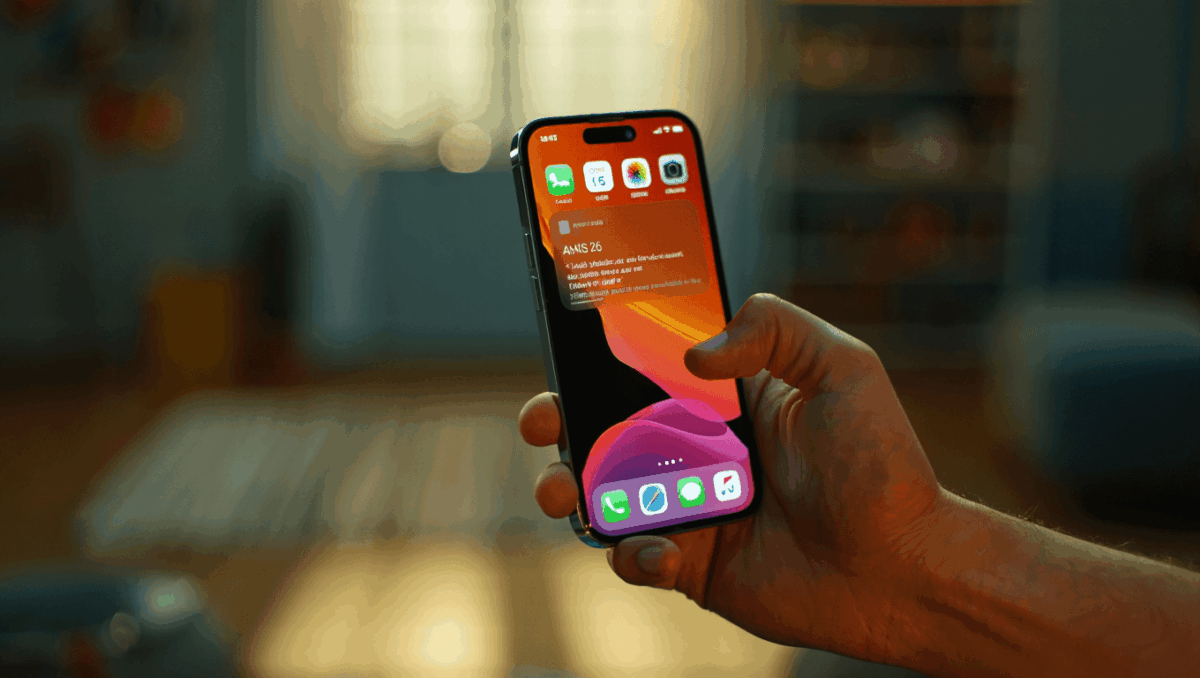
iOS 26.1 is now Apple’s officially recommended update as of December 2, 2025, and users still running iOS 18 will see it as their default upgrade option. This update introduces a pivotal shift in how iPhones function with two game-changing features: Liquid Glass opacity controls and the controversial Slide to Stop Alarm gesture that’s reshaping the morning alarm experience.
🔥 Quick Facts
- iOS 26.1 released on November 3, 2025 with immediate recommended status pushed company-wide by December
- Liquid Glass toggle now offers users choice between Clear and Tinted opacity modes in Settings
- New Slide to Stop gesture replaces the traditional tap button for dismissing alarms from Lock Screen
- 50+ security vulnerabilities patched across Safari, Photos, and Apple account systems
Liquid Glass Gets the Control Users Have Been Demanding
TurboTax Expert Full Service opens January 5, 2026, and what new tax law changes mean for your refund will surprise you
Intel stock soars 4% at open with analyst predicting $50 target, here’s why Panther Lake launch today changes everything
The Liquid Glass design debuted with iOS 26 as Apple’s bold, modern interface featuring semi-transparent elements that reflect surrounding content. However, users complained about readability issues when viewing information across the translucent background.
iOS 26.1 addresses this directly with a new Liquid Glass toggle in Settings under Display & Brightness. Users can now switch between two modes: the original Clear setting preserving maximum transparency, or the new Tinted option that increases opacity for better visibility.
Samsung Galaxy S26 Ultra drops at $1,299 but kept one jaw-dropping feature completely secret until February 25
CES 2026 unveils $99 AI memory wearable and smart glasses that finally look normal, but Samsung’s 6K 3D display will blow your mind
This customization represents Apple listening to user feedback and delivering flexibility rather than forcing a one-size-fits-all approach to interface design.
The Alarm Revolution: Why Slide to Stop is Changing Everything
iOS 26.1 eliminates the traditional Stop button for alarms, replacing it with a swipe gesture across the Lock Screen when an alarm sounds. This seemingly minor change prevents accidental dismissal during sleep-deprived mornings when users reflexively tap to stop alarms.
The importance of this feature lies in reducing alarm misses. Sleep researchers indicate that intentional physical action—like swiping—engages the brain differently than a simple tap, making it less likely to dismiss alarms accidentally while barely awake.
For users preferring the classic button, Apple provided a workaround through Accessibility settings by enabling “Prefer Single-Touch Actions” in the Touch section.
iOS 26.1 Feature Comparison Table
| Feature | Details |
| Release Date | November 3, 2025 |
| Recommended Status | December 2, 2025 |
| Liquid Glass Options | Clear or Tinted opacity |
| Alarm Control | Slide to Stop gesture default |
| Security Patches | Over 50 vulnerabilities fixed |
Critical Security Foundation Beneath User-Facing Features
Beyond visible changes, iOS 26.1 patches over 50 security vulnerabilities according to Apple’s security documentation and reports from Fox News security analysis. The update addresses critical exploits in Safari, Photos, Contacts, and Apple Account settings.
Apple introduced Background Security Improvements as a new automatic security feature starting with iOS 26.1. This system silently downloads and installs critical security patches without requiring user intervention or full device updates, a significant enhancement to iPhone protection infrastructure.
The combination of user-control features and security hardening explains why Apple is now pushing iOS 26.1 as universally recommended, not just optional.
Why Apple’s Timing on Recommended Status Matters Right Now?
Apple waited nearly one month after iOS 26.1 launch before declaring it recommended on December 2, 2025. This measured approach allowed developers and power users to identify any issues before mass-market recommendation.
The simultaneous push specifically targets iOS 18 users who haven’t yet upgraded to the iOS 26 generation, signaling that staying on older versions now carries unacceptable security risks. Users see iOS 26.1 prominently in Settings when checking for updates, with Apple’s official recommendation removing the decision ambiguity.
“iOS 26.1 fixes bugs in previous versions of iOS 26, so you will have fewer bugs if you update to iOS 26.1.”
— Apple Support Communities, Official Response
Sources
- 9to5Mac – iOS 26.1 recommended status announcement and feature analysis
- Apple Support – Official security documentation and feature release notes
- MacRumors – User guides and accessibility options for Slide to Stop alarm

Lee Ann Anderson is a technology journalist specializing in consumer tech, digital innovation, and Silicon Valley trends. With a talent for breaking down complex technical concepts into accessible insights, this skilled journalist keeps readers informed about the gadgets, apps, and breakthroughs shaping our digital future. Her coverage bridges the gap between tech enthusiasts and everyday users.