
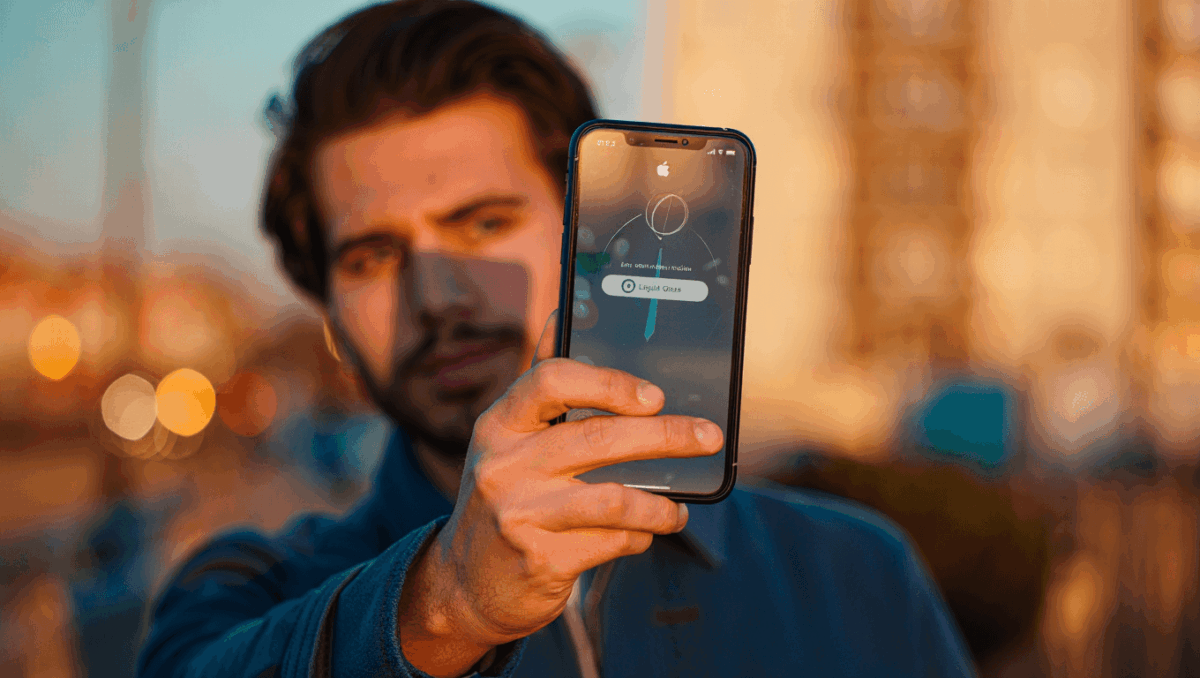
iOS 26.2 launches today with transformative updates including a Liquid Glass slider for the Lock Screen clock, Reminders alarms, and a complete Podcasts overhaul. Apple’s latest iPhone update brings eight major features that enhance daily productivity. Here’s everything you need to know about this major release.
🔥 Quick Facts
- iOS 26.2 drops today, December 12, 2025 across all compatible iPhone models
- New Liquid Glass slider lets users customize Lock Screen clock transparency with granular control
- Reminders app gains native alarm functionality for the first time, streamlining notifications
- Apple Podcasts receives major overhaul with automatic chapters and improved navigation
Liquid Glass Slider Transforms Lock Screen Customization
TurboTax Expert Full Service opens January 5, 2026, and what new tax law changes mean for your refund will surprise you
Intel stock soars 4% at open with analyst predicting $50 target, here’s why Panther Lake launch today changes everything
iOS 26.2 introduces a dedicated transparency slider for the Lock Screen’s Liquid Glass clock effect. This new control allows iPhone users to adjust the glass material effect precisely, rather than relying on color adjustments alone. The slider provides granular control over how much transparency appears in the clock display.
Previously in iOS 26.1, users could only manipulate the clock appearance through color settings. Now Apple delivers a dedicated interface for this popular design element. Users can slide between fully opaque and completely transparent states, giving total customization power over their Lock Screen aesthetic.
Reminders Finally Gets Native Alarm Support
Samsung Galaxy S26 Ultra drops at $1,299 but kept one jaw-dropping feature completely secret until February 25
CES 2026 unveils $99 AI memory wearable and smart glasses that finally look normal, but Samsung’s 6K 3D display will blow your mind
One of the most requested features arrives today: alarms within the Reminders app. iOS 26.2 marks the first time users can set dedicated alarms directly for reminder notifications. This integration eliminates the friction of switching between separate apps for task management and time-based alerts.
The new alarm functionality works seamlessly with existing reminders, providing audio notifications at scheduled times. Users can now manage their complete task and notification workflow in a single app, improving productivity and reducing app clutter.
| Feature | Details |
| Liquid Glass Slider | Precise transparency control for Lock Screen clock |
| Reminders Alarms | Native alarm support with audio notifications |
| Podcasts Overhaul | Automatic chapters and navigation improvements |
| Apple Music Lyrics | Offline lyrics access across devices |
| Release Date | December 12, 2025 |
Podcasts Gets Comprehensive Redesign and Features
Apple Podcasts transforms with automatic chapter generation and enhanced navigation controls in iOS 26.2. The app now intelligently segments episodes, making it easier to skip to relevant sections. Apple’s News app integration also receives a major redesign, improving how users access recipes and content from Apple News+.
The Podcasts overhaul addresses long-standing user requests for better episode organization. Creators no longer need to manually create chapters—Apple’s algorithm handles it automatically. Navigation between segments becomes faster and more intuitive for millions of podcast listeners.
Additional iOS 26.2 Updates Worth Celebrating
Beyond the headline features, Apple Music adds offline lyrics viewing capabilities, letting users read song lyrics without internet connectivity. Sleep Score grades receive revision with new ranking categories for better health insights. Apple News navigation redesign simplifies content discovery.
AirDrop codes feature new one-time sharing options for enhanced privacy. Video viewing improvements include frame-by-frame scrubbing capabilities and toggles to disable auto-looping playback. These refinements collectively create a more polished iOS 26.2 experience across the board.
Which iPhones Support iOS 26.2, and Should You Update Today?
iOS 26.2 rolls out to iPhone XS and later models, ensuring broad compatibility across Apple’s recent device lineup. The update downloads through Settings > General > Software Update on your iPhone. Apple recommends updating immediately for security patches and feature access.
The feature set appeals to productivity-focused users, podcast enthusiasts, and those who appreciate Lock Screen customization. No reported compatibility issues emerged during the beta testing period. Users should update when convenient, though connecting to Wi-Fi and charging beforehand remains best practice for any major OS update.
