
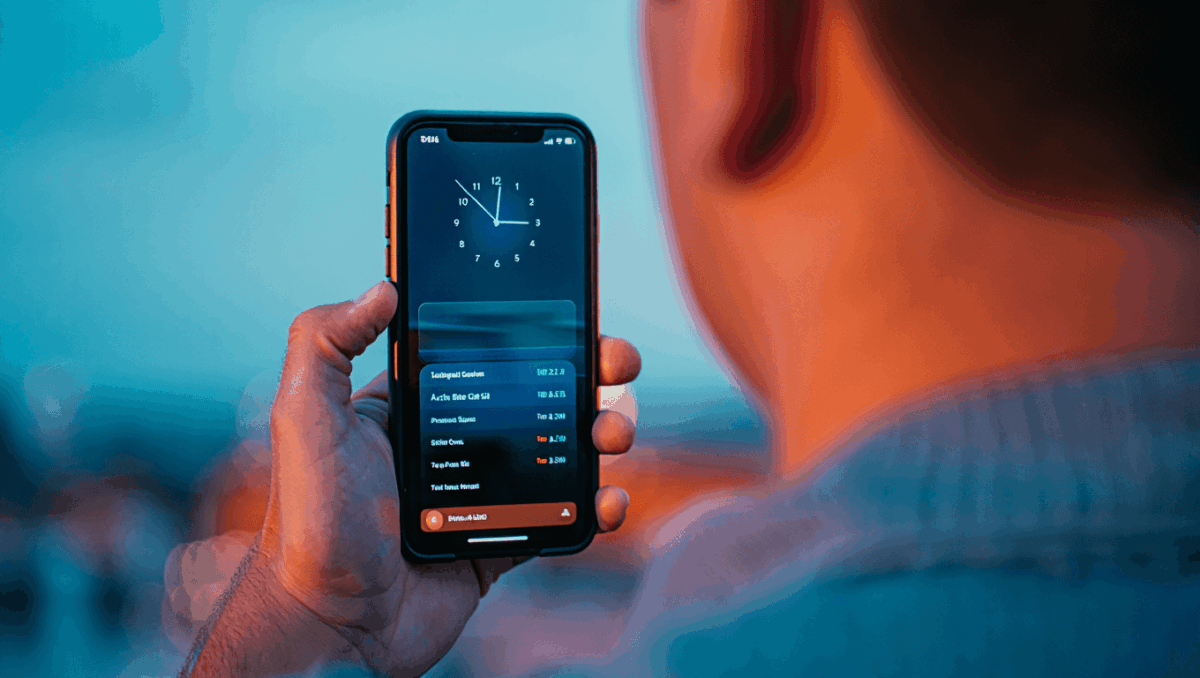
Apple released iOS 26.2 on December 12, 2025, bringing significant enhancements to security, customization, and podcasting features. This update adds a critical AirDrop security PIN to protect file transfers from unknown contacts, expanded Liquid Glass customization options, and powerful AI-powered auto-chapter functionality for podcasts. iPhone users can now enjoy these features by updating through Settings.
🔥 Quick Facts
- iOS 26.2 released December 12, 2025 to over 1 billion iPhone users globally
- New AirDrop codes provide one-time verification codes for file transfers with unknown contacts
- Liquid Glass slider now lets users control transparency and appearance of the Lock Screen clock
- Apple Podcasts gains AI-generated automatic chapters, mentions, and links for all episodes
AirDrop Gets Critical Security PIN Protection
TurboTax Expert Full Service opens January 5, 2026, and what new tax law changes mean for your refund will surprise you
Intel stock soars 4% at open with analyst predicting $50 target, here’s why Panther Lake launch today changes everything
Apple has enhanced AirDrop security with a new verification system designed to protect users when sharing files with contacts they don’t know. The update introduces one-time AirDrop codes that appear on the receiver’s device, requiring verification before completing any transfer.
This extra layer of protection prevents unauthorized file transfers and adds peace of mind when sharing sensitive documents, photos, or media with new contacts. Users can manage their AirDrop contact list directly in Settings under General, controlling who can access their shared content and for how long.
Lock Screen Liquid Glass Customization Expands Options
Samsung Galaxy S26 Ultra drops at $1,299 but kept one jaw-dropping feature completely secret until February 25
CES 2026 unveils $99 AI memory wearable and smart glasses that finally look normal, but Samsung’s 6K 3D display will blow your mind
Apple addressed user feedback by adding more customization controls for the controversial Liquid Glass design that debuted in iOS 26. The new update includes a dedicated slider on the Lock Screen that lets users adjust the transparency and opacity of the Liquid Glass material.
The “Glass” option now offers granular control over how the clock and interface elements appear, giving users the ability to make the material look more transparent or more solid depending on their preference. This represents Apple’s response to users who wanted more elegance and clarity in their interface customization options.
Apple Podcasts Now Features AI-Powered Automatic Chapters
| Feature | Details |
| Auto-Generated Chapters | AI analyzes all podcast episodes and creates chapter breaks automatically |
| Episode Mentions | Podcasts app highlights people, topics, and referenced content within episodes |
| Smart Links | Direct links to mentioned websites, people, and resources appear in episode descriptions |
| Availability | All podcast episodes in iOS 26.2 get automatic chapter support |
The AI-powered auto-chapters feature transforms the podcast listening experience by breaking episodes into digestible sections automatically. Users can skip directly to sections of interest without manually creating chapters or relying on podcast creators to do so manually.
Additional Security Enhancements and System Updates
iOS 26.2 addresses over 20 security vulnerabilities according to Apple’s official security documentation. The update fixes critical issues including use-after-free memory management problems identified through CVE-2025-14174 and other security protocols.
Beyond security, the update improves battery management, accelerates app launch speeds, and enhances integration across Apple’s ecosystem. Apple Music gains offline lyric support, CarPlay receives interface tweaks, and Reminders now supports alarms for better task scheduling and notification management.
Is iOS 26.2 Worth Installing on Your iPhone Right Now?
For most users, iOS 26.2 represents a compelling update with meaningful features and critical security patches. The AirDrop security codes alone justify updating if you frequently share files with new contacts. Tech enthusiasts will appreciate the Liquid Glass customization slider, while podcast fans will benefit from the AI-powered chapter generation.
The combination of 20+ security fixes, improved battery efficiency, and new functionality makes iOS 26.2 a strong choice for iPhone users running iOS 26. Apple typically doesn’t release point updates lightly, indicating these features and fixes were important enough to roll out to the entire installed base. Updating should proceed smoothly for most devices.
Sources
- MacRumors – Comprehensive iOS 26.2 features guide and changelog
- Forbes – Critical security updates and new features analysis
- 9to5Mac – AirDrop codes and Liquid Glass customization documentation

Lee Ann Anderson is a technology journalist specializing in consumer tech, digital innovation, and Silicon Valley trends. With a talent for breaking down complex technical concepts into accessible insights, this skilled journalist keeps readers informed about the gadgets, apps, and breakthroughs shaping our digital future. Her coverage bridges the gap between tech enthusiasts and everyday users.